

 EN
EN


Air travel often involves long hours of waiting. You may find yourself needing internet access to check emails, browse news, or contact someone. Free Wi-Fi has become a standard feature at most airports around the world. While the quality and method of access may vary, almost every major airport offers at least one way to connect without paying.
Travellers use smartphones and laptops to navigate airport corridors. Monitoring flight schedules, managing work correspondence, and staying entertained during stopovers requires reliable Wi-Fi, essential for contemporary travellers. But what if you're looking for a way to have free Wi-Fi access? There are some secrets to accessing free Wi-Fi at almost every airport.
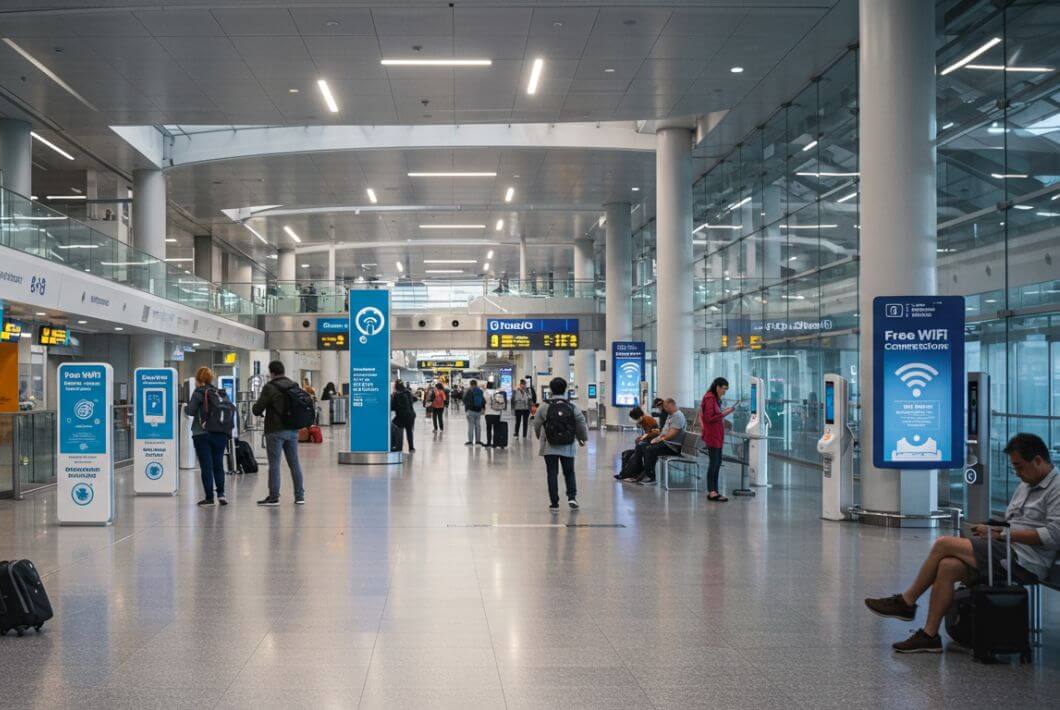
Unlimited Internet Services at the Airports
Wi-Fi Access Points at Airports
Most large airports provide internet access through one of three primary methods:
- Wi-Fi Kiosks
- Phone Number SMS Verification
- Complimentary Lounge Wi-Fi
Some offer open networks, while others require identification. Security levels may differ, but the steps to connect remain simple.
Connecting Through Wi-Fi Kiosks
Airports often have wireless internet kiosks spread throughout the terminal. These machines allow travelers to sign in using a passport or a phone number. Kiosks usually have touchscreens, and they provide access codes that work on personal devices like smartphones, tablets, and laptops.
Here’s how most airport kiosks work:
1- To connect to the airport’s Wi-Fi, first tap the screen on the kiosk and choose the option that lets you connect using a passport or ID.
2- Enter your details when asked, then wait while the machine generates a code. On your device, open your Wi-Fi settings and look for the airport’s network name.
3- Select it, type in the code you received, and accept the terms and conditions to get online.
Some airports limit free access to a set time — usually 30 or 60 minutes. After that, you may need to pay for more time.

Airports Wi-Fi Access
Accessing Wi-Fi Using a Phone Number
Many international airports allow travelers to connect by verifying their mobile numbers. This method avoids passport input and tends to be faster.
You’ll need to:
1- To use the airport’s Wi-Fi, connect your phone to the network and choose the “Mobile Access” option.
2- Pick your country’s flag, then type in your local phone number.
3- You’ll get a text message with a code. Enter the code, tap confirm, and your Wi-Fi session will start.
This method works best if you don’t want to use your passport or if the kiosk lines are long.
Lounge Access Wi-Fi: A Premium Option
Airports worldwide often provide high-speed Wi-Fi in airline lounges. Access to these areas may require a business class ticket, membership, or a separate fee. Travelers who choose this route can enjoy uninterrupted connections and often faster speeds.
These lounges typically provide:
You can get unlimited Wi-Fi with steady speeds, charging ports and USB hubs, quiet areas or workstations for working, and free snacks and drinks.
Many lounges allow walk-in access with payment at the door. You may find deals online if you book in advance. Some lounges also support apps like LoungeBuddy or Priority Pass for digital booking and access.
Free Public Hotspots Inside Airports
Some airports provide free public Wi-Fi without requiring passport or phone verification. In these places, you just connect to the network, accept the terms, and browse.
Public areas with open Wi-Fi include:
You can find these Wi-Fi zones in departure gates, food courts, terminal corridors, and waiting areas near baggage claim.
While this type of connection may feel convenient, it carries certain risks. Open Wi-Fi networks expose you to potential data threats. To reduce the risks, consider using a VPN app on your phone or laptop when connecting.
Time Limits and Charges: How Long Can You Stay Online?
Free Wi-Fi at airports usually comes with time restrictions. Some airports allow 30 minutes per session, while others may offer one hour. You can often reconnect after the session ends by restarting the login process, though some networks track users to block repeat access.
Paid plans are also available. Travelers can buy extra time or data through the login portal. These packages often start at $5 for an hour or $10 for 24 hours, depending on the location.
Some airlines partner with the airport to offer free sessions. Check with your airline — some offer codes at check-in or printed on boarding passes.
Internet Access on Connecting Flights
If you have a stopover, the transit area may offer its own Wi-Fi access points. These might differ from the arrival or departure zones. Look for updated signs or ask airport staff for connection details.
You may need to:
To start a new session, re-enter your passport or phone details, accept the terms again, and switch to a new network SSID.
Remember, each terminal may have its own rules. If you're switching terminals, Wi-Fi credentials may not carry over.
Common Airport Wi-Fi Networks by Region
Many major international airports offer free Wi-Fi to help travelers stay connected. You can usually connect by selecting the network name in your device's Wi-Fi settings and accepting the terms of use. Availability and speed may vary depending on time and location within the airport. Below is a list of common Wi-Fi network names (SSIDs) by region and airport:
Los Angeles International Airport (LAX Free WiFi)
LAX offers complimentary Wi-Fi across all terminals.
• SSID: LAX Free WiFi
• Access: Select network, accept terms on browser screen, and start browsing.
• Speed: Usable for browsing and email; can slow down at peak times.
• Tip: Some lounges offer faster private networks.
John F. Kennedy Airport, New York (Free JFK WiFi)
JFK provides free wireless internet in all terminals.
• SSID: Free JFK WiFi
• Access: Select network and agree to the terms.
• Speed: Reported as decent for casual use.
• Note: Availability can vary by terminal zone.
London Heathrow Airport (Heathrow Wi-Fi)
Heathrow gives free unlimited Wi-Fi access to all travelers.
• SSID: Heathrow Wi-Fi
• Access Duration: 4 hours standard, extended to 8 hours for account holders.
• How to Connect: Choose network, accept terms, and browse.
• Speed: Suitable for checking emails and browsing; streaming not guaranteed.
Singapore Changi Airport (#WiFi@Changi)
Changi offers full coverage with free Wi-Fi throughout the airport.
• SSID: #WiFi@Changi
• Access Options: Use mobile number for verification or scan passport at kiosks.
• Duration: Unlimited once connected.
• Stability: Excellent performance reported; rarely drops.
Tokyo Haneda Airport (HANEDA-FREE-WIFI)
Haneda provides public Wi-Fi in all areas, including international and domestic terminals.
• SSID: HANEDA-FREE-WIFI
• How to Connect: Choose SSID, accept terms, start browsing.
• Reliability: Stable and widely accessible; performs well for messaging and browsing.
• Speed: Moderate but consistent.
Dubai International Airport (DXB Free WiFi)
Dubai’s DXB Airport has free Wi-Fi for all passengers.
• SSID: DXB Free WiFi
• Access: Auto-connect in most areas after accepting terms.
• Speed: Strong in lounges and terminals; varies slightly at gates.
• Duration: Unlimited for all users.
Sydney Airport (Free SYD WiFi)
Sydney’s international and domestic terminals offer open-access Wi-Fi.
• SSID: Free SYD WiFi
• Login: Just select network and confirm access through your browser.
• User Reports: Consistent connection; good for social media and emails.
• Limitations: Minor delays during high-traffic hours.
Johannesburg OR Tambo Airport (ORTIA Wi-Fi)
Johannesburg’s main airport offers free Wi-Fi through ORTIA’s public network.
• SSID: ORTIA Wi-Fi
• Access Details: Connect to the network, follow the login prompts.
• Speed & Limits: Available across terminals; may limit usage time or speed for free tier.
• Options: Premium upgrades available for longer sessions.

Wi-Fi Networks At Airports
Common Airport Wi-Fi Networks at Major Hubs
Staying connected at major airports is easier than ever thanks to widespread free Wi-Fi. Here's what to expect at some of the busiest international hubs:
Boston Logan Airport (BOS) - BOSWifi
• SSID: BOSWifi
• Access: Available in all terminals and airport shuttles. Connect via device settings and accept terms.
• Speed: Signal is strong, but browsing may feel slow at times.
• Extras: Premium access and features available via the official app.
You can easily connect to Boston Logan Airport wifi for free in all terminals during your stay at the airport.
London Heathrow Airport (LHR) - Heathrow Wi-Fi
• SSID: Heathrow Wi-Fi
• Access Duration: 4 hours free, or 8 hours for loyalty members.
• Speed: Sufficient for browsing and email, but not large downloads.
• Connect: Select the SSID, accept terms, and go online.
London Heathrow airport wifi is free and available throughout all terminals with easy sign-in and unlimited browsing.
Frankfurt Airport (FRA) - Airport-Frankfurt-Free-WiFi
• SSID: Airport-Frankfurt-Free-WiFi
• Access: Unlimited free Wi-Fi across terminals with no login required.
• Connect: Choose the network, accept the terms, and start browsing.
Frankfurt airport wifi offers free unlimited internet access across both terminals, perfect for staying connected while you wait.
If you're visiting Germany and want affordable mobile data, check out our complete guide on getting a Prepaid SIM Card Germany for Tourists.
Paris Charles de Gaulle (CDG) & Orly - WIFI Airport STANDARD
• SSID: WIFI Airport or WIFI Airport STANDARD
• Access: Unlimited free Wi-Fi via Hub One. Registration is required.
• Notes: Users report good connection quality, lasting up to 9 hours.
Paris CDG airport wifi provides complimentary unlimited access in all terminals, ideal for work or entertainment during layovers.
Find out the best prepaid SIM cards in France for travellers, including pricing, coverage, and where to buy them on arrival.
Barcelona Airport (BCN) - Airport Free Wifi Aena
• SSID: Airport Free Wifi Aena
• Access: Unlimited usage. Log in with guest email, Aena Club, or create an account.
• Speed: Fixed at around 2 Mbps per device.
• Tip: Some users experience delays during registration.
Barcelona airport wifi is free and easy to connect to, with high-speed access available in all areas of the terminal.
Istanbul Airport (IST) - Turk Telekom Free Wi-Fi
• Access: Free for 1 hour via passport or SMS login at Turk Telekom kiosks.
• Extend: Paid options available after the first hour.
• Bonus: Lounges offer separate Wi-Fi services.
Istanbul airport wifi is available for free, with a quick registration process using your mobile number or passport.
Narita Airport (NRT) - FreeWiFi NARITA
• SSID: FreeWiFi NARITA
• Access: Available throughout terminals and on airport shuttles.
• Speed: Generally stable, though slower in busy zones.
• Connect: Select the SSID and agree to the usage policy
Narita airport wifi gives travelers free internet throughout the airport, with multiple access points and support for several languages.
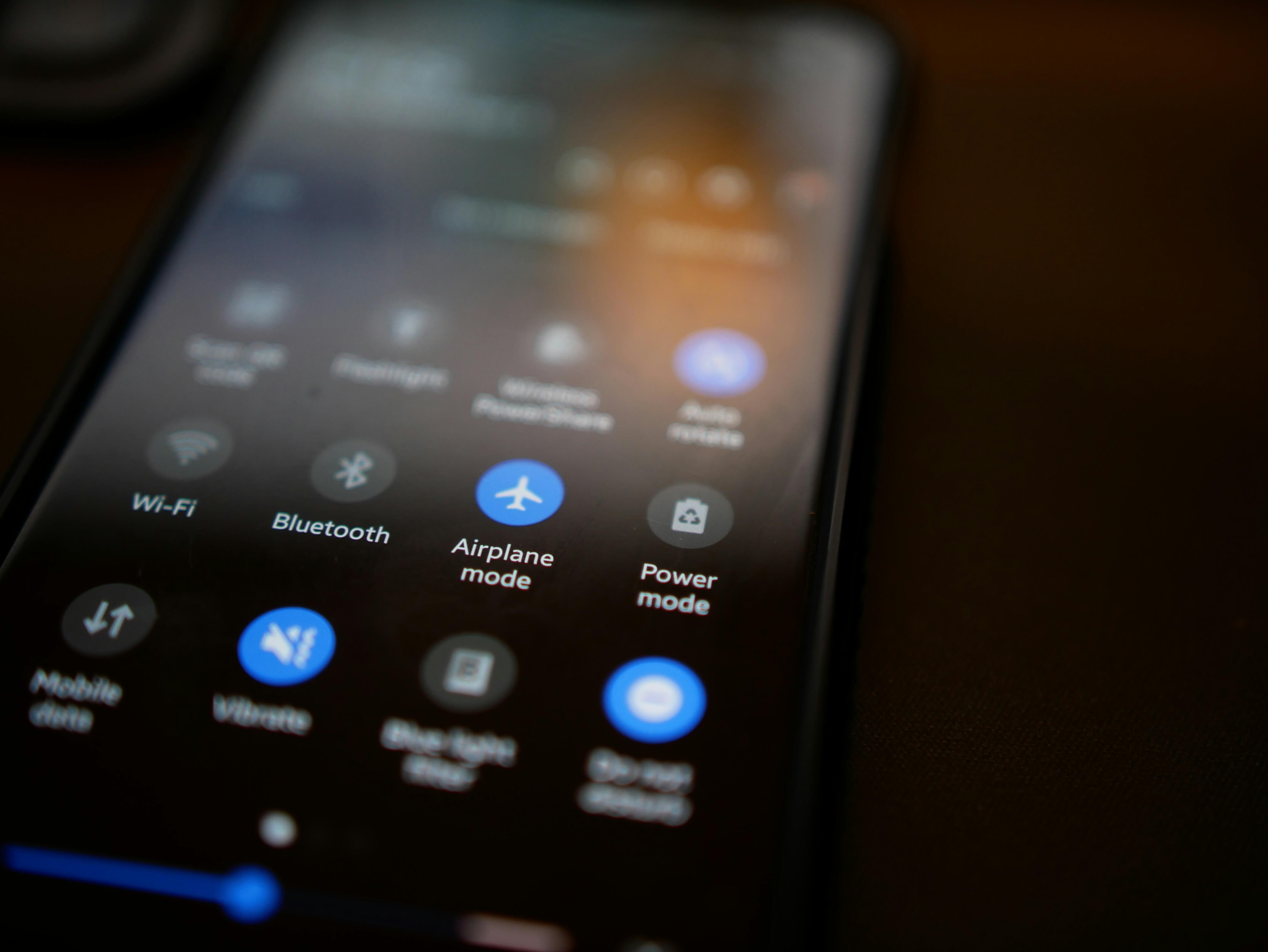
Photo by Sten Ritterfeld via Unsplash.
Alternative Internet Options for Travellers
1. International eSIM
An eSIM gives you access to internet as soon as your plane lands. You don’t need a physical SIM card. After online purchase, the provider sends a QR code. Scan it, activate the profile, and you're connected — no kiosks, no queues.
Benefits include:
- Unlimited or high-speed data plans
- Access to 4G or 5G networks in most countries
- No roaming fees
- Easy purchase online before departure
- Compatible phones include most recent iPhones, Google Pixels, and select Samsung models.
2. Prepaid SIM Cards at Arrival
If your device does not support eSIM, prepaid SIM cards remain a reliable choice. Airports usually have shops or vending machines from major providers. Plans often include:
- 20–50 GB of data
- Local call minutes
- Messaging services
- Social media data bundles
You may need your passport to register the SIM. Some shops may accept credit cards; others may require cash in local currency. For more options, check out The 5 Best Prepaid SIM Card for USA Travel to compare plans if you visit to USA.
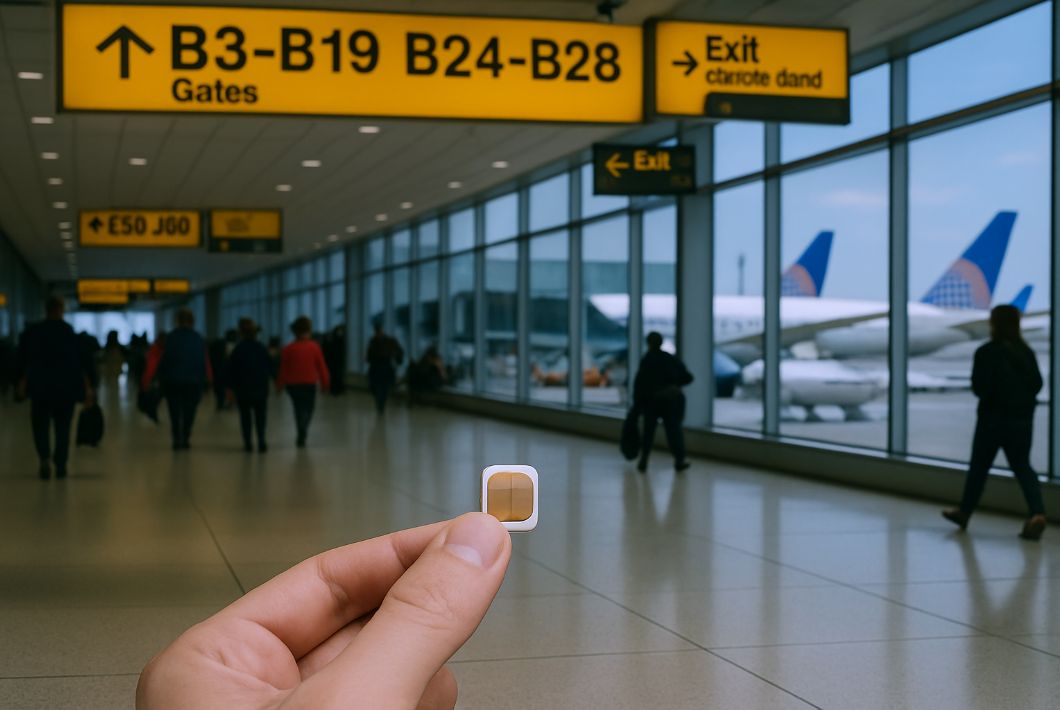
Prepaid SIM Cards at Airports
3. Roaming Plans from Your Home Carrier
If you prefer not to change SIM cards, check if your provider offers global roaming. This option allows you to use your current SIM card while abroad. Costs may vary depending on your contract. Some providers offer daily or weekly travel passes with fixed pricing.
Keep in mind:
- Roaming plans can be expensive without bundles
- Data speed may drop after hitting a daily limit
- Some plans block hotspots or limit streaming
Always confirm rates before departure to avoid surprise bills.
Free airport Wi-Fi is widely available, but the experience varies. Some terminals offer smooth connections, while others come with limits. If you travel often, consider an eSIM for seamless service or book a lounge pass when speed matters.
Whether you’re heading to a domestic hub or flying across continents, staying connected doesn’t have to mean added cost. Check kiosk locations, follow simple steps, and keep alternative options ready for peace of mind.